Why Your Audio Video Conferencing Setup Matters More Than You Think
Most meetings don’t fail because people aren’t prepared. They fail because the room isn’t. Someone can’t be heard clearly. The camera fixes itself on the wrong person. Half the participants appear as silhouettes. Five minutes are lost fixing something that “worked last time.” These small frictions add up, and over time they change how teams feel about collaboration itself. This is why audio-video collaboration system hardware needs to be chosen with context, not just specifications.
Take USB PTZ cameras. They are often seen as a “better webcam,” but in practice, they serve a very different purpose. PTZ cameras work best in rooms where meetings don’t stay still. People lean forward, stand to present, turn to respond, or switch speakers without warning. A fixed camera struggles to keep up with that. PTZ cameras don’t. They quietly adjust the frame so the person speaking remains visible, without anyone needing to pause the meeting to fix angles. In longer discussions or training sessions, that subtle responsiveness makes the conversation easier to follow and far less tiring for remote participants. USB connectivity keeps things practical. No learning curve, no dependency on a specific platform, just consistent performance across systems teams already use.
In smaller meeting rooms, the problem is rarely capability, it’s clutter. Multiple devices, overlapping cables, and unclear controls introduce friction before the meeting even begins. When every room behaves differently, teams lose time figuring things out instead of getting started. Reducing the number of components reduces uncertainty, and that simplicity directly improves how consistently rooms are used. This is where meeting bars make sense. A single unit handling video, audio input, and sound output reduces variables. From a day-to-day perspective, that simplicity matters. Teams don’t want to think about microphones or camera angles. They want to walk in, start the call, and focus on the discussion. Meeting bars are effective because they remove decision-making from the room. Once installed correctly, they quietly do their job.
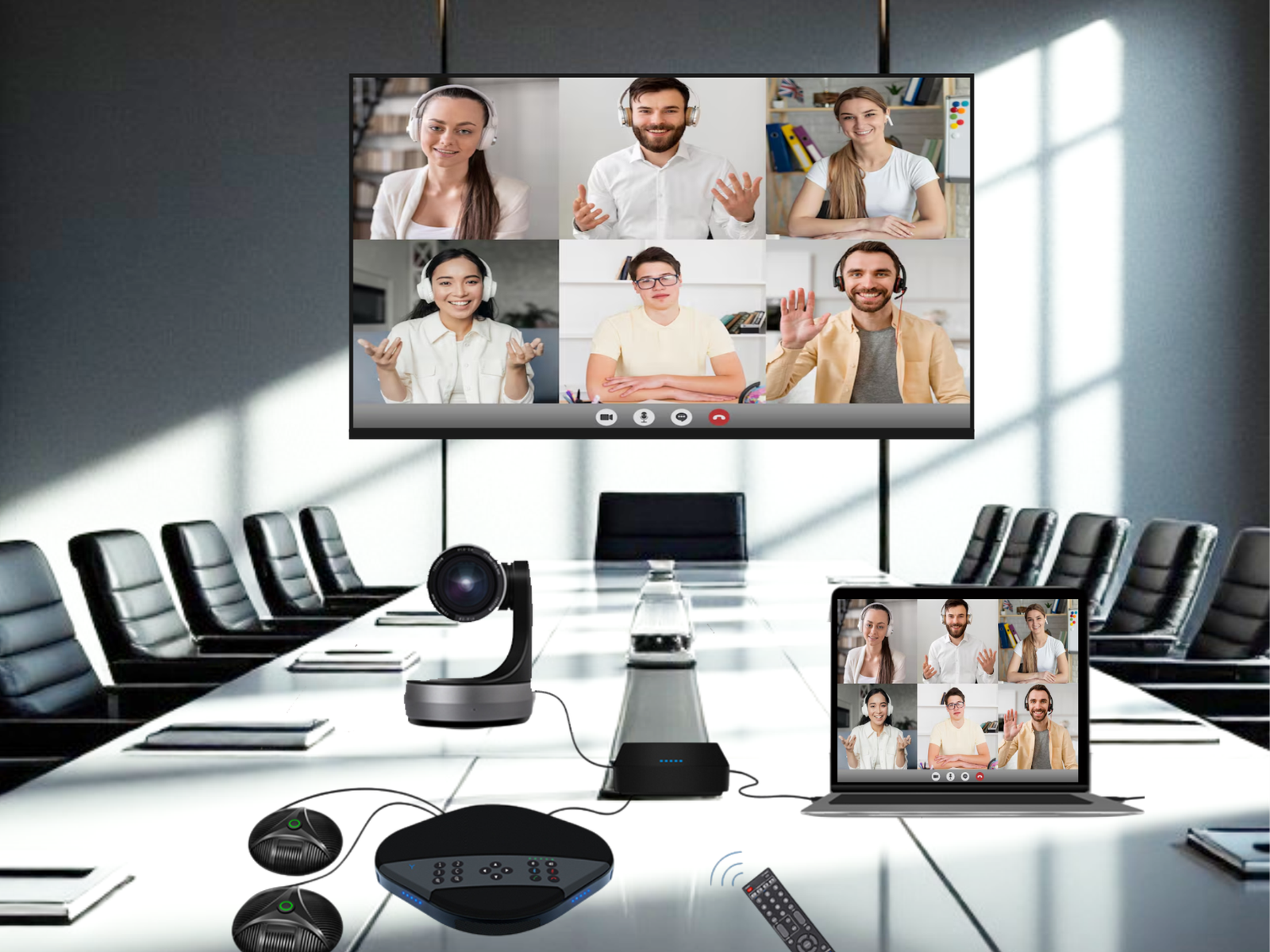
As organizations grow, meetings tend to change in nature. Board discussions, cross-functional reviews, hybrid town halls: these settings demand more reliability and control. A complete video collaboration system looks at the room as a single working space, not a patchwork of add-ons. Audio pickup, camera framing, speaker output, and platform compatibility are planned together rather than adjusted after installation. Over time, this consistency builds confidence, people trust the room to work.
What often gets overlooked is that good conferencing technology should feel invisible. When participants stop adjusting their posture to be seen, stop repeating themselves, or stop checking if they’re muted, the system is doing its job. The technology recedes, and the conversation takes over.
At Purplewave Infocom, the approach to audio-video conferencing is rooted in how people actually use meeting spaces, not how they are described in brochures. Whether it’s choosing a USB PTZ camera for flexible framing, a meeting bar for clutter-free rooms, or a full video collaboration system for structured environments, the objective is straightforward: meetings that work without demanding attention.